


































































- Model: Digital Card
- Cashback: 9 EGP
- Stock: Out Of Stock
Note : For cib installment from 12 to 36 month interest calculated by bank
Check in-store availability
×This game is available in 0 stores and can also be delivered to your home with cash-on-delivery option.
Store Madinty
Shop G ground Floor All Season Park Mall Madinty- Egypt
Ready for Pick Up On: Today
Store Working Hours:
Saturday to Wednesday: 10:00 AM – 10:00 PM
Thursday & Friday: 10:00 AM – 12:00 Midnight
Warehouse Fifth Settlement
21 Hay 4 District 3 Fifth Settlement New Cairo - Egypt
Ready for Pick Up On: Tomorrow
Store Working Hours: Saturday to Thursday 9:00AM - 5:00PM
Store Fifth Settlement
Shop LL-10 beside Mahmoud El Far Market -Arabella Mall Fifth Settlement New Cairo - Egypt
Ready for Pick Up On: Today
Store Working Hours: Every day from 11:00 AM to 11:00 PM
Store Mall Of Arab
Shop G285 Near Gate 23 - Mall of Arabia 6 October City - Egypt
Ready for Pick Up On: Today
Store Working Hours: Every day from 10:00 AM to 10:00 PM
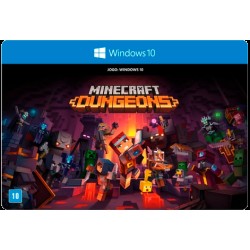
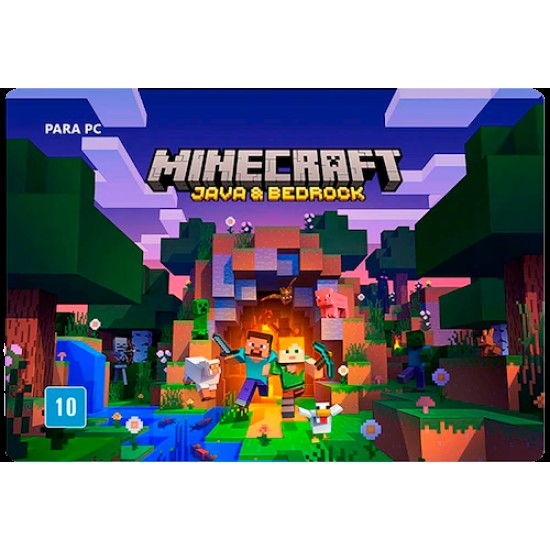
Learn your way around one block at a time in the new tutorial mode. Craft all sorts of items from boats to diamond armor and create enormous structures Team up with friends in eight-player online multiplayer and four-player split-screen modes
About the Product:
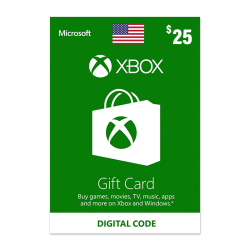
Create, explore, survive, repeat. Get Minecraft: Java Edition and Bedrock Edition as a package deal for Windows! With Minecraft: Java & Bedrock Edition, you can easily switch between games using the unified launcher and cross-play with any current edition of Minecraft.
Note:
- This Product Is Not Refundable Nor Exchangeable
- VPN may be required to activate the code
How to redeem a code from a PC or mobile web browser
- From a web browser, go to redeem.microsoft.com.
- Enter the 25-character code, select Next, and then follow the prompts.
How to redeem a code in the Microsoft Store on Windows
- Press the Start button, and then enter store into the search bar.
- Choose Microsoft Store from the results to open the app.
- Select your account in the top-right corner of the screen, and then select Redeem code or gift cards.
- Enter the 25-character code, select Next, and then follow the prompts.
How to redeem a code in the Xbox app for Windows:
- Press the Start button, and then enter Xbox into the search bar.
- Choose the Xbox app from the results to open the app.
- Select your gamerpic in the top-left corner, and then select Settings.
- Select Redeem under Redeem a code.
- Enter the 25-character code, select Next, and then follow the prompts.